A thoughtful listing starts with clear photos. Take a few useful tips into your next post.
4 min read · Selling tips
How to Photograph Your Vehicle for a Better Listing Good listing photos answer questions. What does the whole vehicle look like? What is the interior like? Where is the wear? You can build a useful set with a phone, a tidy location and a few deliberate choices before you start.
Show the actual vehicle clearly, include the details and photograph the flaws. Aim for an accurate impression from the first image to the last.
01
Give the vehicle room to be seen Choose a quiet place where you are allowed to park and photograph safely. Leave enough room to walk around the vehicle without entering traffic. Clear loose items from the cabin and cargo area, and move anything with personal information out of view.
Check what appears behind and through the vehicle: signs, house numbers, paperwork and reflections can all end up in a photo. Clean the camera lens and take one test image. Zoom in on it to check sharpness before you spend time photographing the whole vehicle.
Use current photos of the vehicle you are selling. Park safely, switch off the engine and keep the vehicle stationary. Remove clutter without concealing damage or signs of wear. 02
Choose simple light and natural proportions Soft daylight is a useful starting point. Nissan’s photography guide recommends cloudy conditions or the softer light around morning and evening to avoid harsh contrast. Walk around the vehicle and check whether shadows hide the areas a buyer needs to see.
Start with the phone’s standard camera rather than an ultra-wide view, which can distort the shape. Step back to fit the whole vehicle into the frame. Keep the phone level and leave a little room around the edges so the photo still works when displayed as a smaller card.
03
Build a set that tells the whole story Begin with a clear front three-quarter view: the front and one side in the same photo. Then work methodically around the outside. For the interior, show the driver’s area, seats and usable storage. Let each photograph answer a different question instead of uploading several nearly identical angles.
Include the odometer and relevant controls, with the vehicle safely stationary. For a boat or RV, adapt the sequence to show the layout and equipment. Keep any documents containing names, addresses or other personal information out of the image.
Front three-quarter view, then the other side and rear. Both side profiles and any important exterior features. Driver’s area, front and rear seating, and storage space. Wheels, useful equipment and close-ups of condition. 04
Make condition easy to understand For a scratch or dent, take one wider image showing where it is and a second closer image showing the detail. Use the description to explain what the photo depicts. The wider view prevents a close-up from becoming a puzzle.
Keep color and brightness realistic. Cropping and modest exposure adjustments can make a photograph easier to read, but do not remove damage, replace parts or use generated images to represent the item for sale. If a photo is too dark to show the detail, retake it in better light.
Show wear that a buyer would notice during a viewing. Match the written description to the photos. Replace blurry images instead of relying on heavy editing. 05
Review the listing like a buyer Choose a primary photo that shows the actual vehicle clearly at a small size. Preview the full set on your phone: can you follow the walkaround, understand the interior and find the condition details? Remove duplicate shots that do not add information.
Ask someone unfamiliar with the vehicle to look through the images and tell you what is still unclear. Add those missing views before publishing. If the vehicle’s condition or included equipment changes, update both the photographs and the description so the listing remains an accurate introduction.
Your next photo session, planned. Photo plan: one clear cover image, a complete exterior walkaround, the seating and storage, the important equipment, and honest close-ups of wear. Check every image on a phone before publishing.
Your listing photo checklist Choose a safe, uncluttered place with suitable light. Clean the lens and check a test photo for sharpness. Take a clear primary image with the whole vehicle visible. Photograph each side, the front and the rear. Show the seating, controls, storage and fitted equipment. Include wider and closer views of damage or wear. Check for private information and distracting reflections. Remove duplicates and review the final order on your phone. Further reading: Nissan — How to: Car Photo Tips (opens in a new tab)
Open the guide & interactive checklist


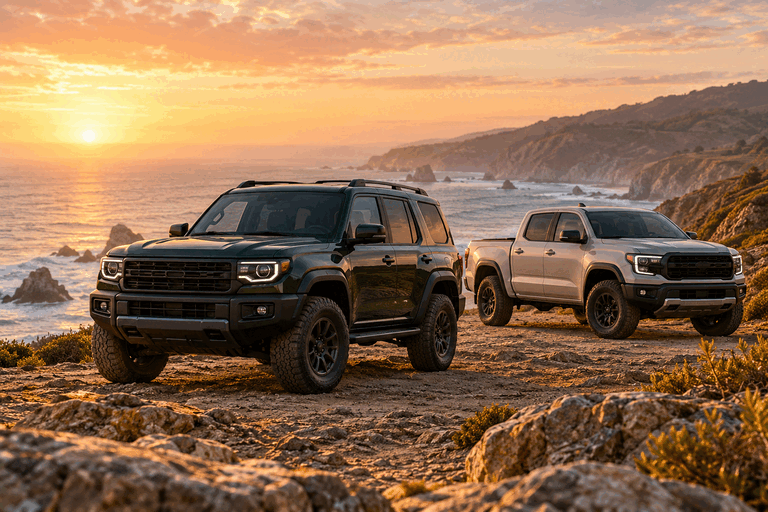 Cars, Trucks
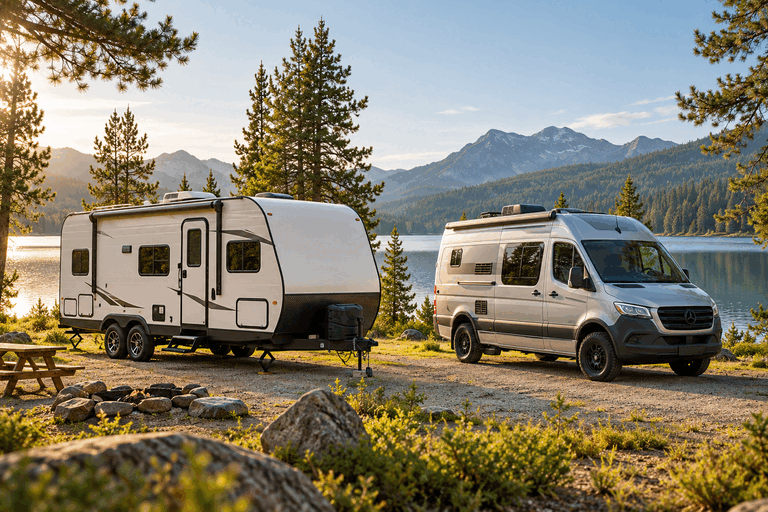 RVs, Campers
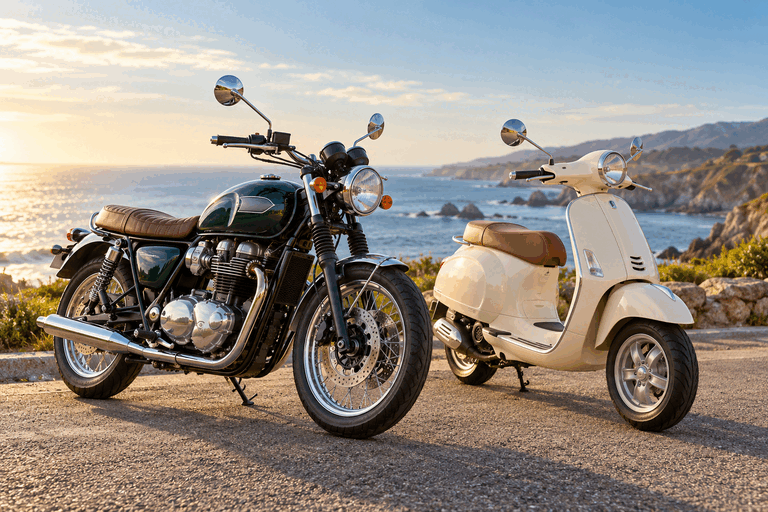 Motorcycles, Scooters